Metabase
Metabase supports querying and visualizing both internal data and external data in PhoenixAI.
Start Metabase and do as follows:
-
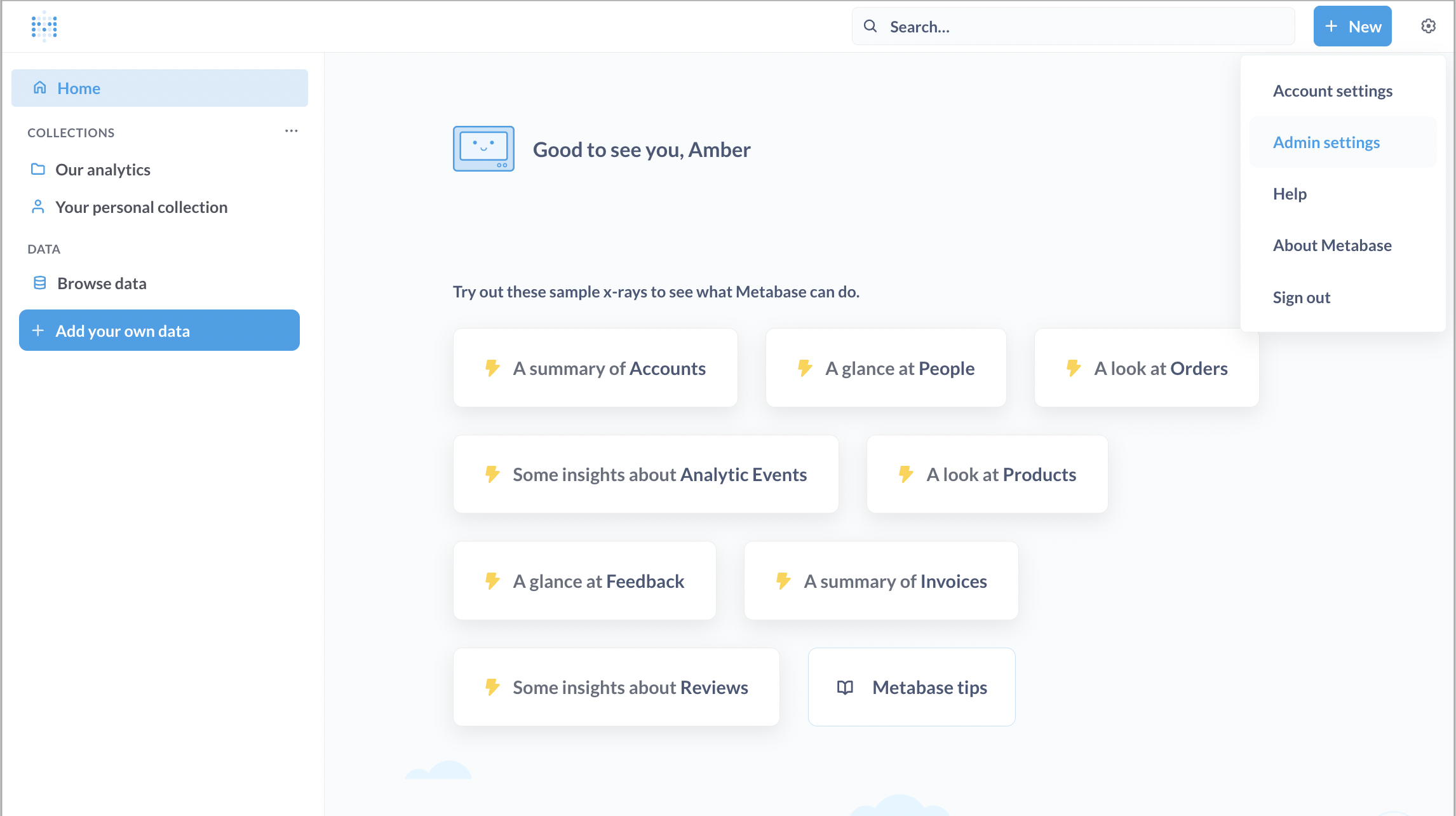
In the upper-right corner of the Metabase homepage, click the Settings icon and choose Admin settings.
-
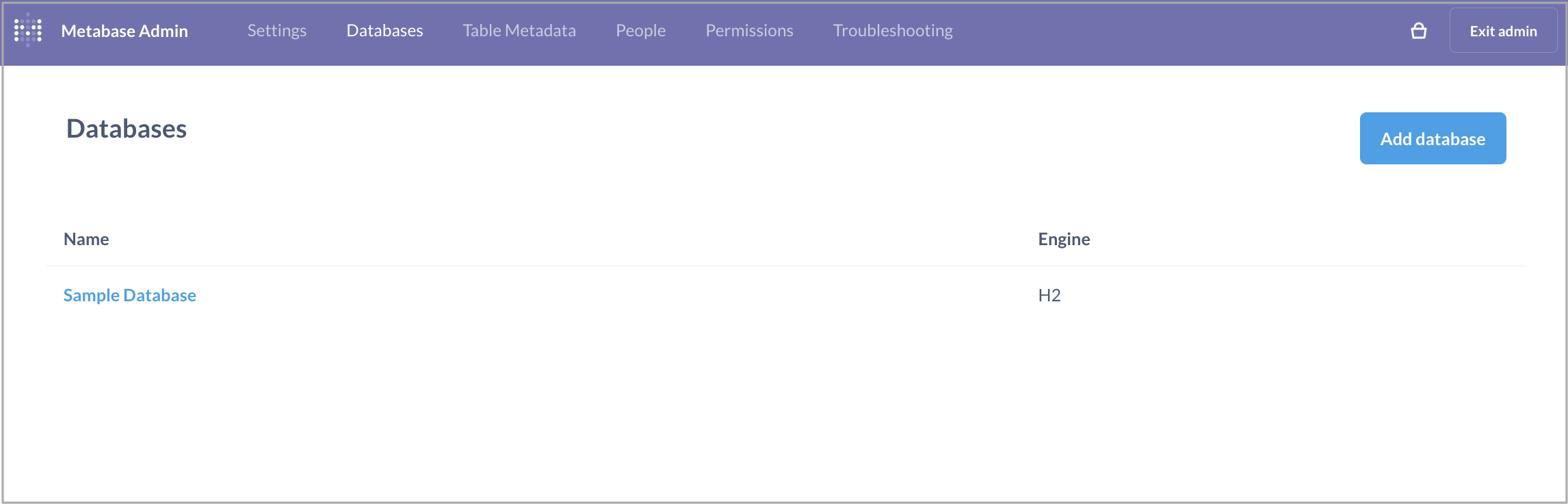
Choose Databases in the top menu bar.
-
On the Databases page, click Add database.
-
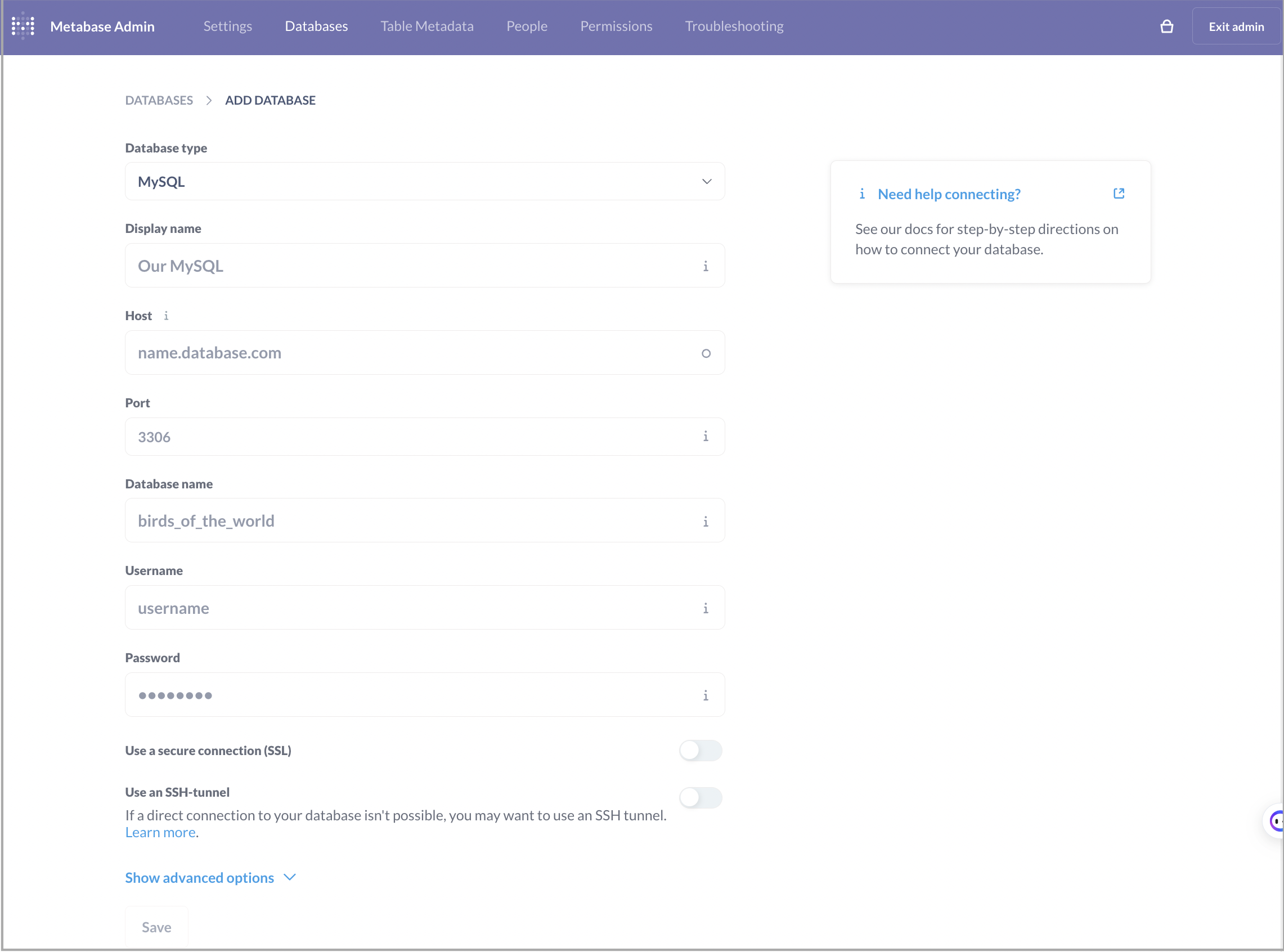
On the page that appears, configure the database parameters and click Save.
- Database type: Select MySQL.
- Host and Port: Enter the host and port information appropriate for your use case.
- Database name: Enter a database name in the
<catalog_name>.<database_name>format. You can integrate both the internal catalog and external catalogs of your PhoenixAI cluster with Metabase. - Username and Password: Enter the username and password of your PhoenixAI cluster user.
- Additional JDBC connection string options: You must add the property
tinyInt1isBit=falsein this field. Otherwise, there may be an error.
The other parameters do not involve PhoenixAI. Configure them based on your business needs.