Sign up or sign in to PhoenixAI
Sign up for a PhoenixAI cloud account with your email account.
Sign up for PhoenixAI
Follow these steps to sign up with your email account:
-
Open the PhoenixAI sign-up page in a browser.
-
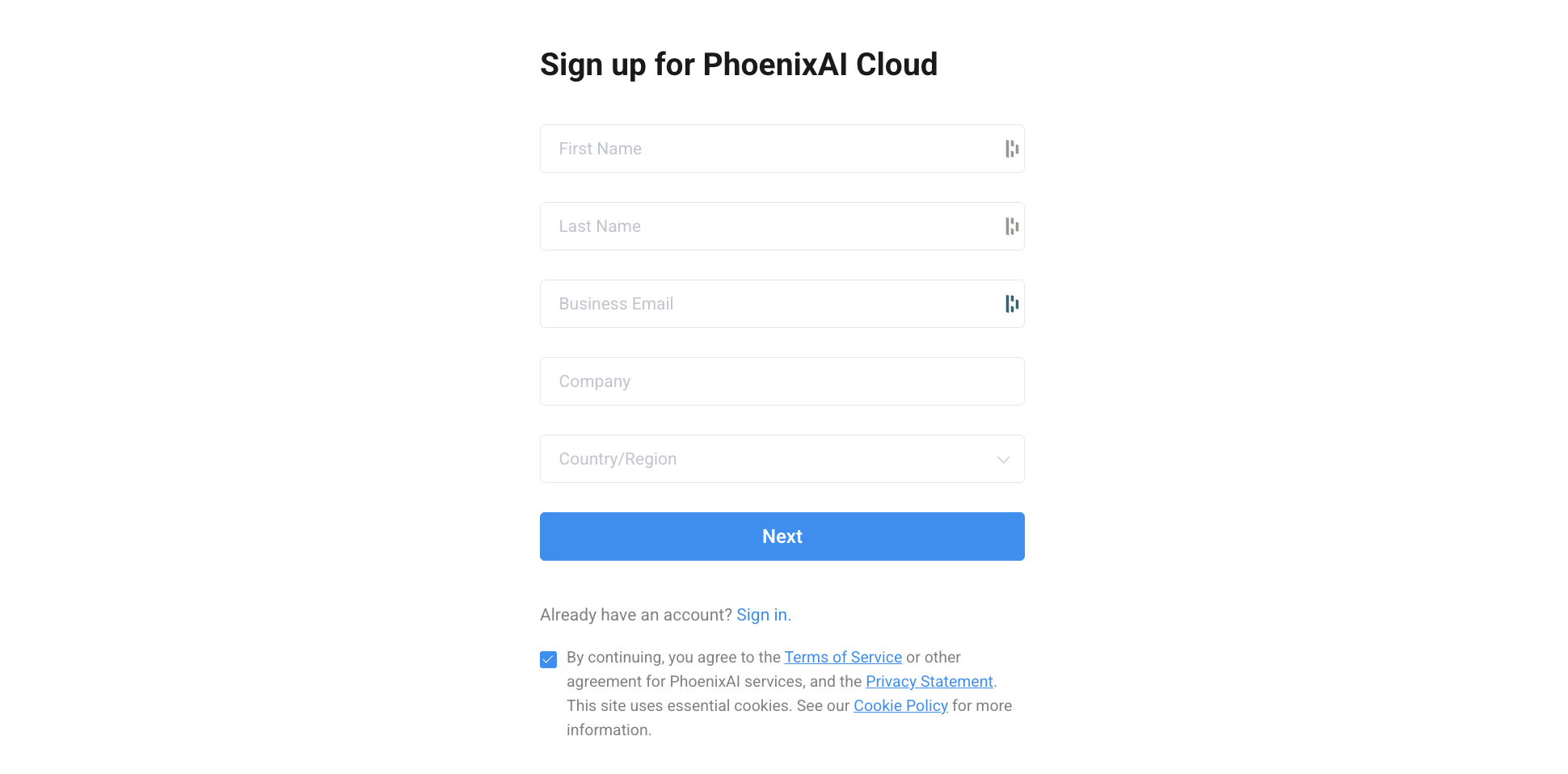
Enter your first name, last name, business email address, and your company name. Select the country or region of your company from the Country/Region drop-down list. Then, click Next.
A message will inform you that you have signed up successfully. We will then send a confirmation email with an activation link and your Account ID to this email address, so make sure this email address is valid and you have access to it.
-
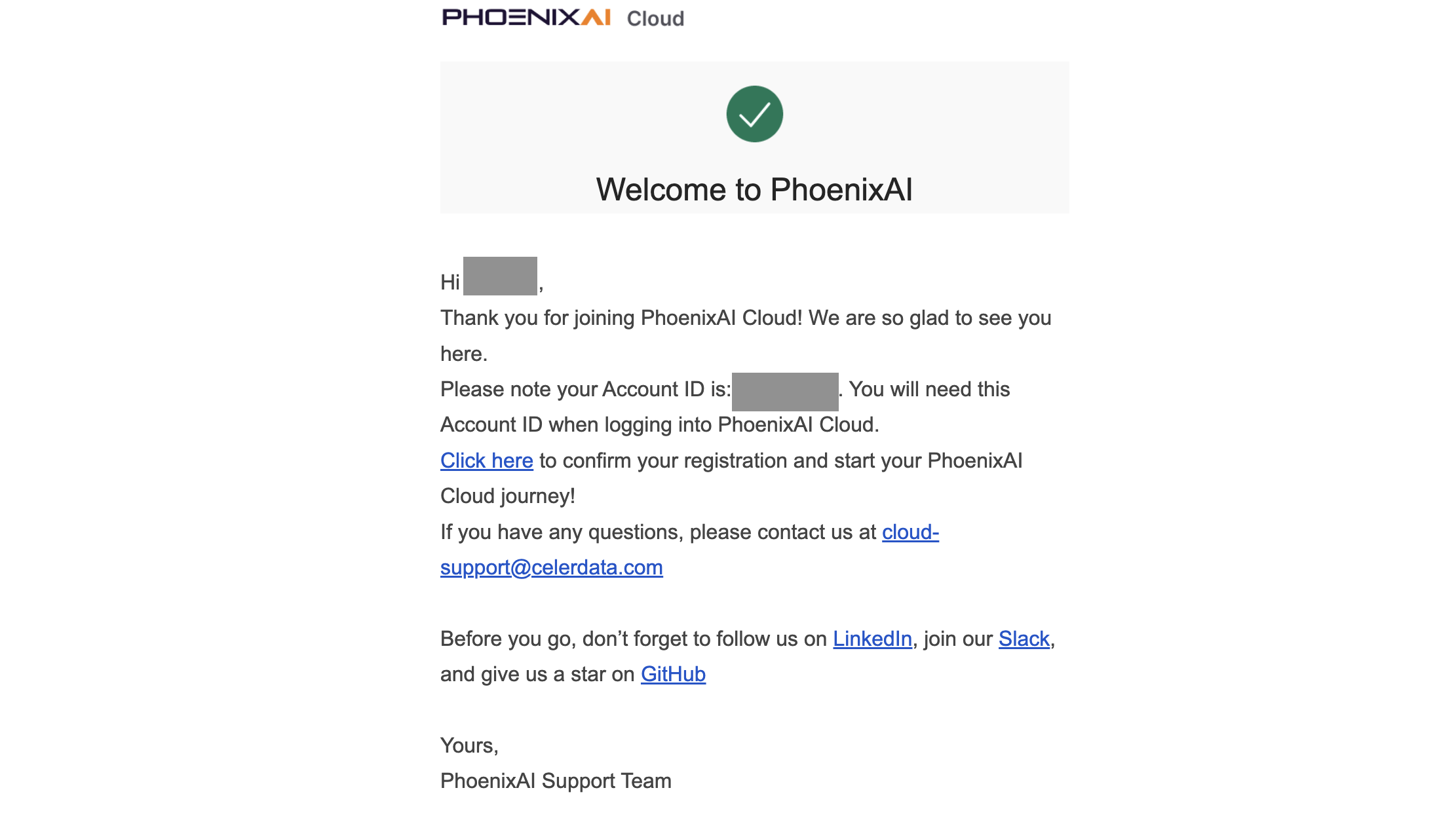
Launch your email client and find the confirmation email. Take note of the Account ID, which is necessary when you log in to your PhoenixAI cloud account. Then, click the activation link to confirm your registration.
 note
noteIf you cannot find the email in the inbox, check your Spam folder.
-
On the Create an account page, enter your Account Name and click Create.

-
On the Create a password page, enter a password, confirm the password, and then click Create.
For information about the password requirements, see Password requirements for members.
The browser redirects you to the Celerdata Cloud BYOC console. You can then enjoy your journey with PhoenixAI.
When you sign up for PhoenixAI for the first time, PhoenixAI creates a root account for you and launches an organization with which this account is bound. If you want to create new accounts in the organization, please refer to Manage Accounts.
Sign in to your PhoenixAI cloud account
To sign in to your PhoenixAI cloud account, you will need the Account ID that we sent you via the confirmation email during account creation.
-
Open the PhoenixAI sign-in page in a browser.
-
Confirm your Account ID:
-
If you sign in from a browser that you have used to sign in before, you can choose the ID of your account and click it.
The browser redirects you to a new page.

-
If you sign in from a browser that you have never used to sign in before, you must enter your Account ID and click Sign in.
The browser redirects you to a new page.

-
-
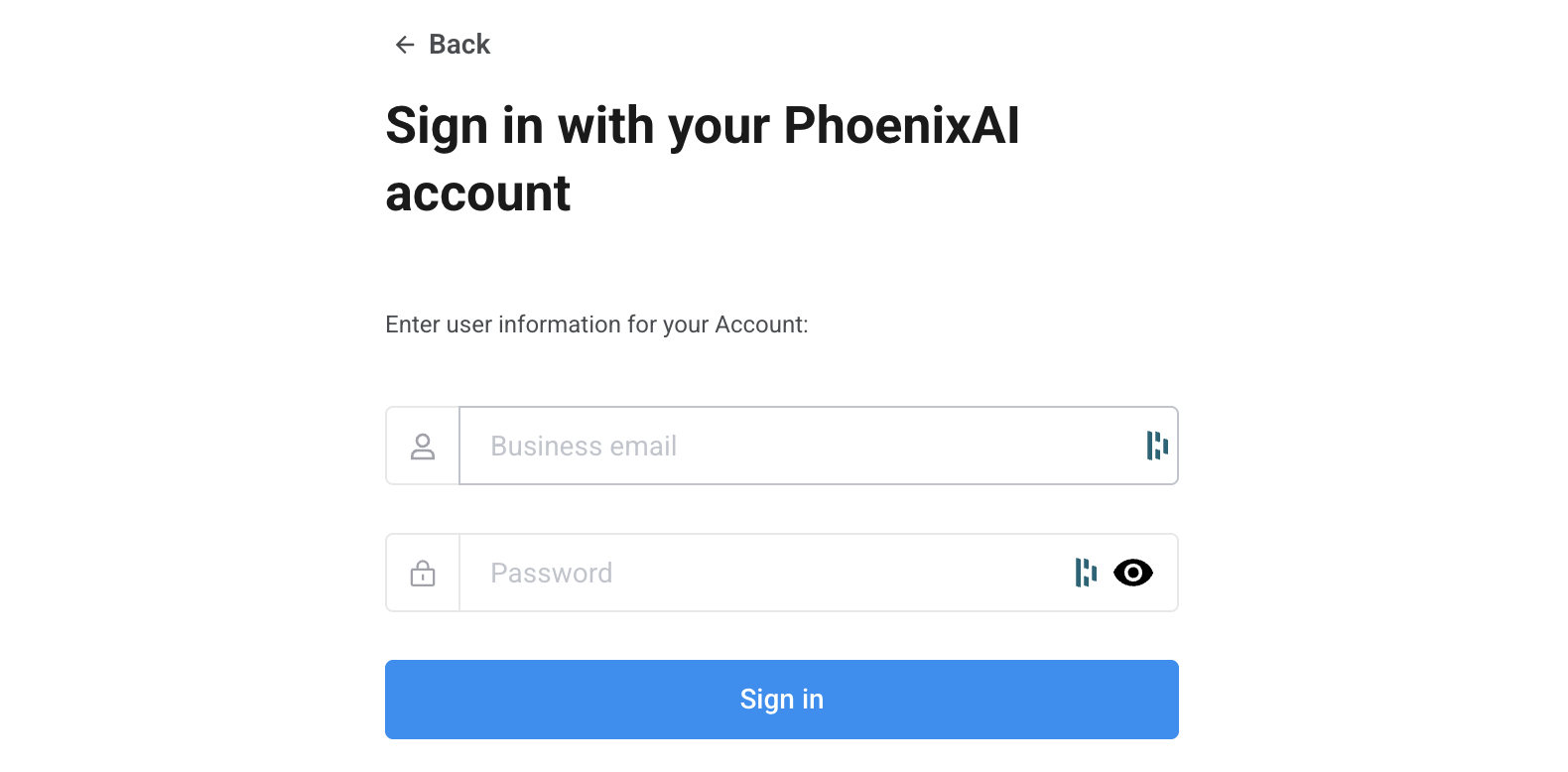
Enter your business email and password, and click Sign in to log in to the PhoenixAI Cloud console.